Railway, Fly.io or any Docker host
One image for either database. Migrations run when it starts, and you create the first account in the browser. There's no shell step.
DATABASE_URL unset and mount a volume at /data.DATABASE_URL=postgres://…. Railway: ${{Postgres.DATABASE_URL}}.AUTH_SECRET.Claim the instance in the browser
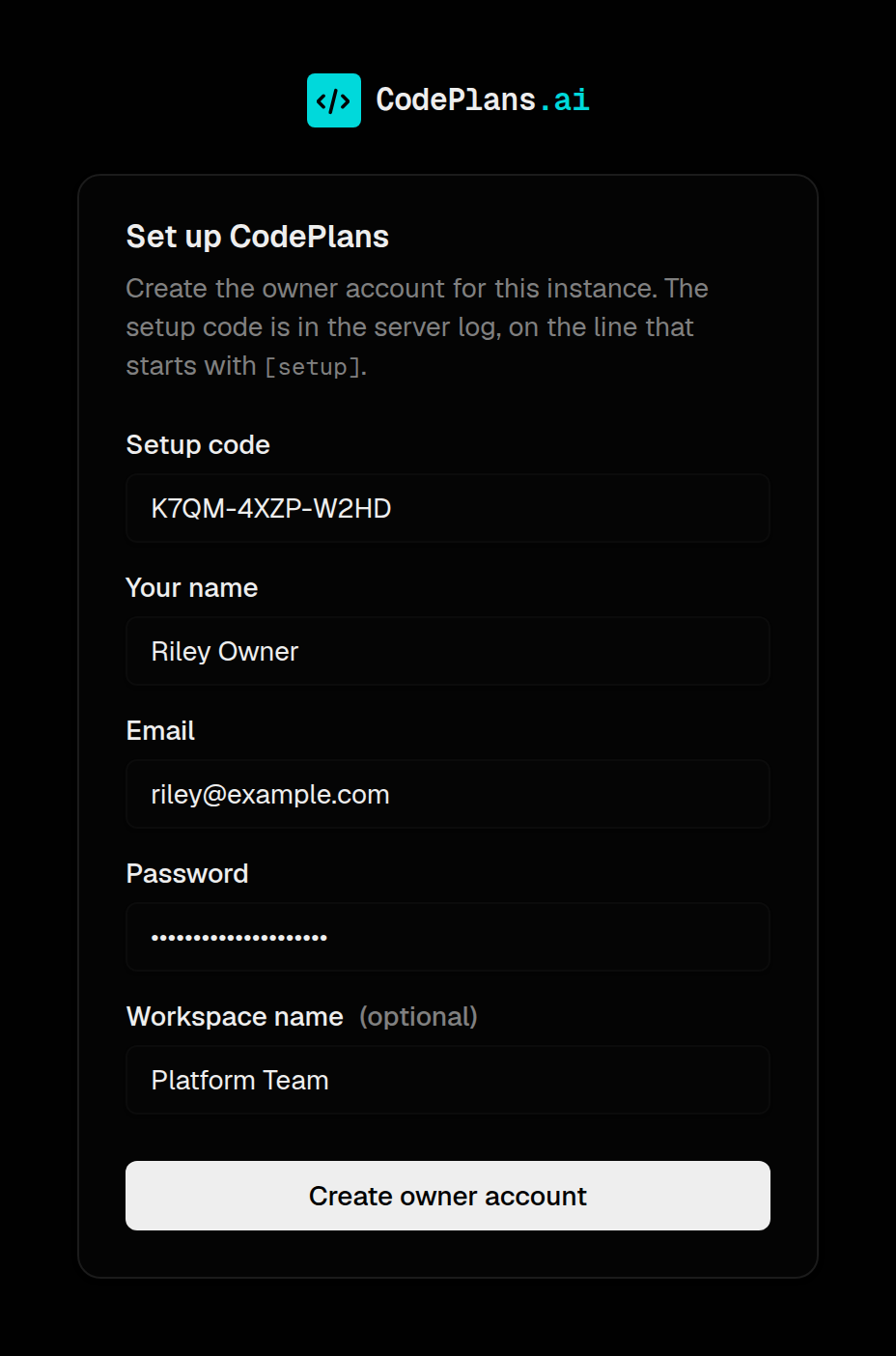
A fresh instance logs [setup] … enter the setup code: XXXX-XXXX-XXXX, and every page redirects to /setup. Enter the code to create the owner account and workspace. After that /setup is closed.
Only someone who can read the server log can claim it: the code comes from AUTH_SECRET. To skip the step, set ADMIN_EMAIL and ADMIN_PASSWORD.
Step-by-step guides for Railway, Fly.io, Render and Docker →
Run it locally in minutes
Local SQLite mode requires no cloud account, no API keys, nothing external.
Open localhost:3000 and sign in with
admin@example.com / Password1!.
Change your password in Settings → Security after first login.
pnpm db:seed-demo after the initial seed to populate products, assets, plans, specs, reviews and responsibilities — the data behind every screenshot on this site.
All demo accounts use password Password1!.
pnpm build && pnpm start, set AUTH_URL to the public URL (Railway, Fly.io and Render domains are detected).
If running the dev server on a remote machine, also set ALLOWED_DEV_ORIGINS=your.server.ip.
Accounts & environment variables
An instance is one workspace with its own email and password accounts. REGISTRATION decides how people get in.
Signing in
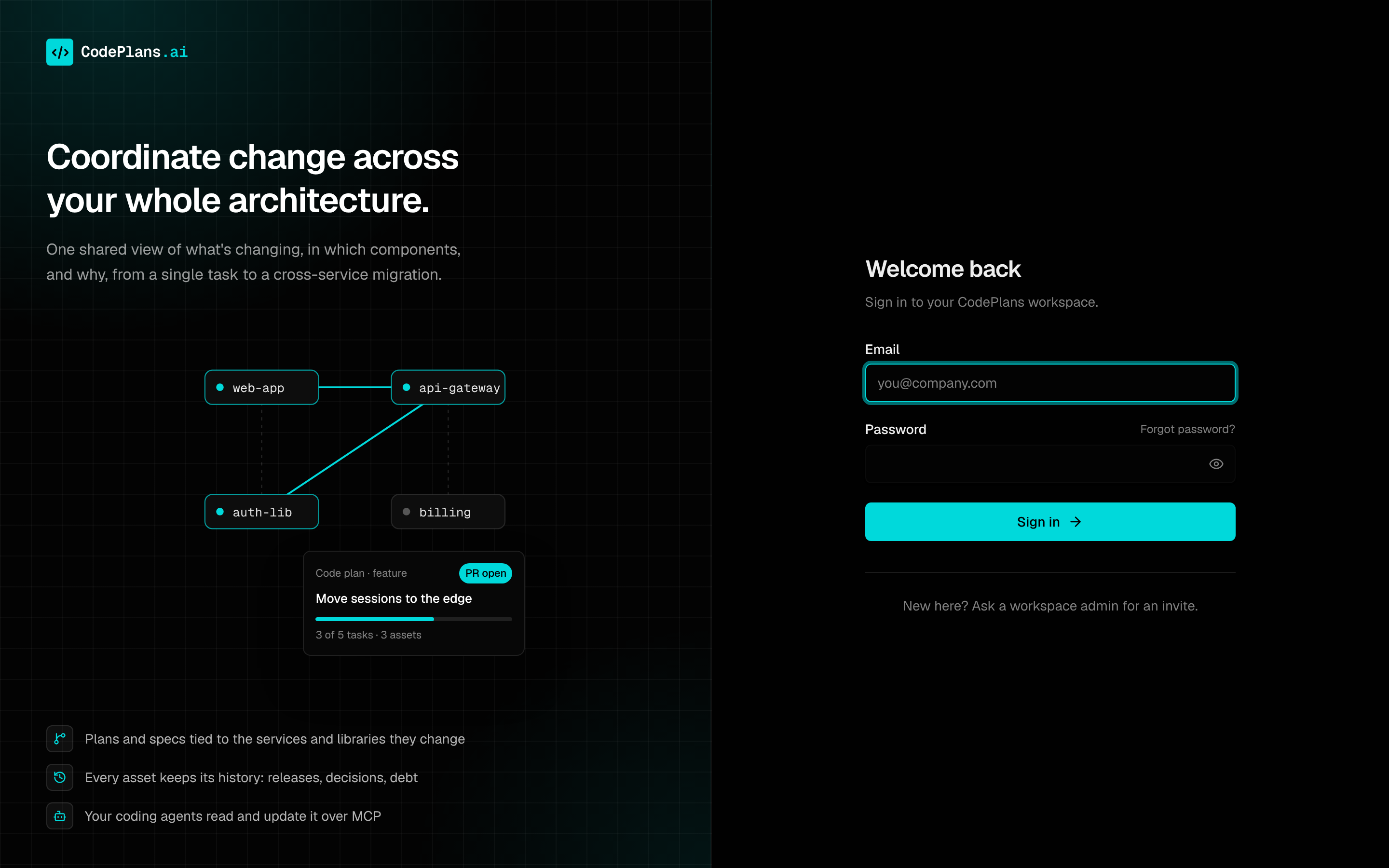
Passwords are at least 8 characters, stored as bcrypt hashes. Forgot password? on the sign-in page emails a link to choose a new one; it works once, for an hour, and the page answers the same whether or not the address has an account. Without RESEND_API_KEY the link is written to the server log for whoever runs the instance.
Changing or resetting a password signs that account out everywhere else, so a lost laptop or a leaked session stops working at once.
/setup or ADMIN_EMAIL.
See .env.example for the full annotated configuration file.
Built on proven, modern tooling
No heavy abstractions. Readable Next.js App Router code with a clean DB layer you can fork and adapt.