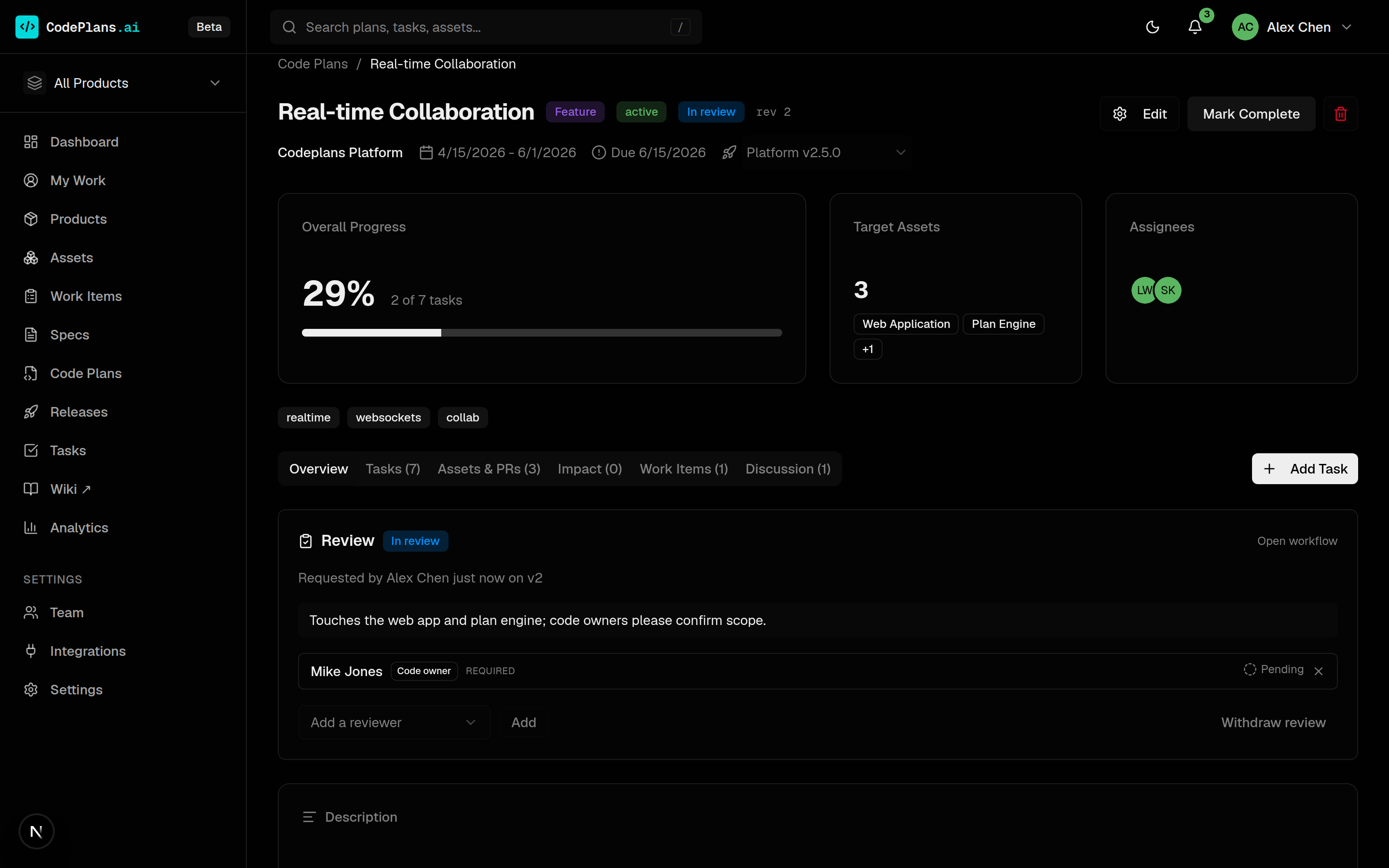
Coordinate a change across assets
A code plan groups related changes under one lifecycle: Draft → Active → Completed. It targets the assets it will touch, links the specs it builds on, and tracks a branch and PR per asset.
- Impact follows dependency edges to show what else a change can reach.
- Tasks carry priority, effort, assignee and asset scope, in a list or a board.
- Review and Discussion tabs let code owners weigh in before effort starts.
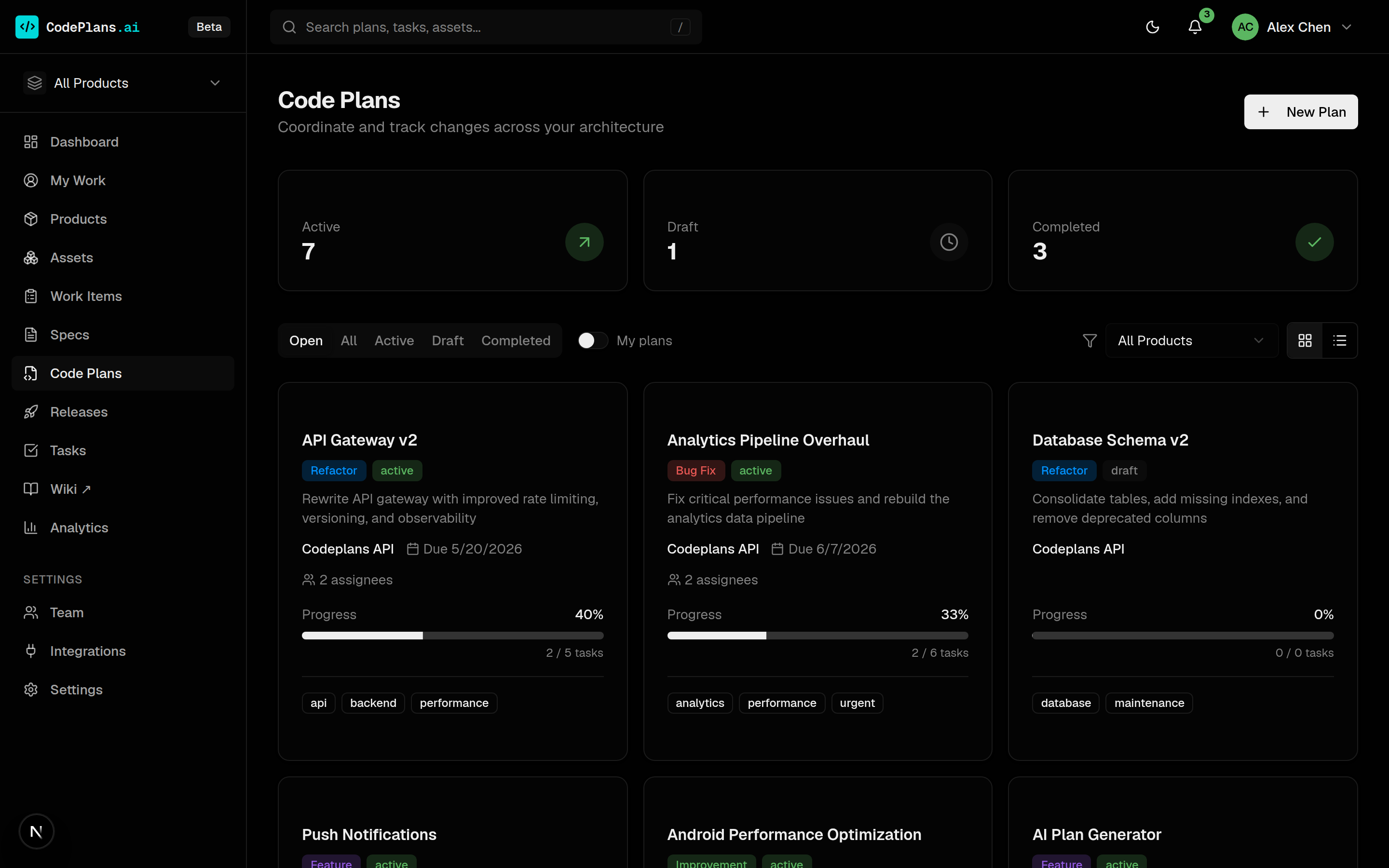
See every plan at once
Filter plans by status, product and owner, switch between cards and a table, and spot what is drifting before a deadline does.
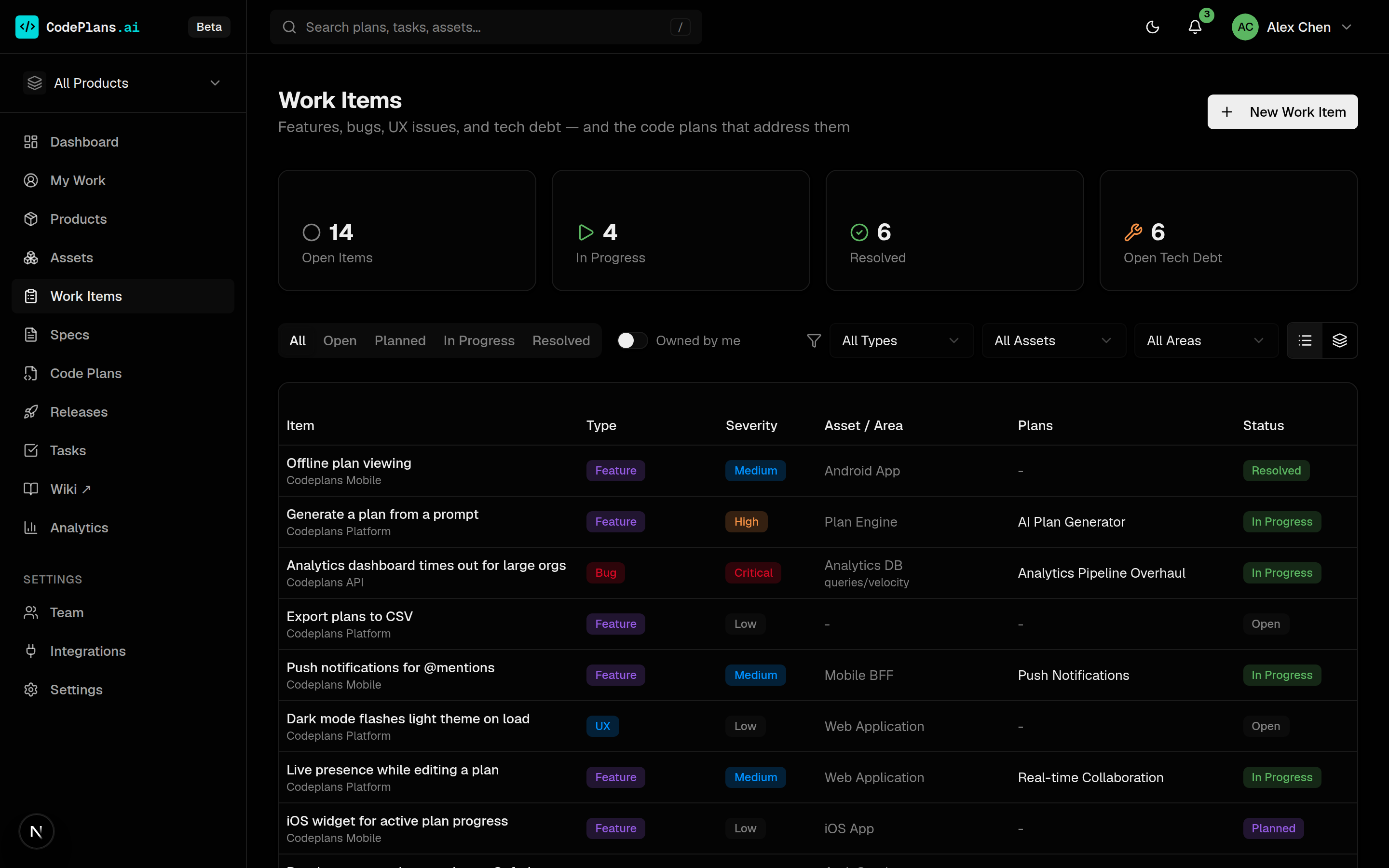
Track the demand behind the change
Features, bugs, UX issues and tech debt, with severity, asset and area. Create them natively or mirror them, pull-only, from GitHub, GitLab, Jira, Asana and Linear, with provenance badges and per-connection status mapping.
Unowned, unplanned items show up for triage in the owning code owner’s and engineering manager’s My Work.
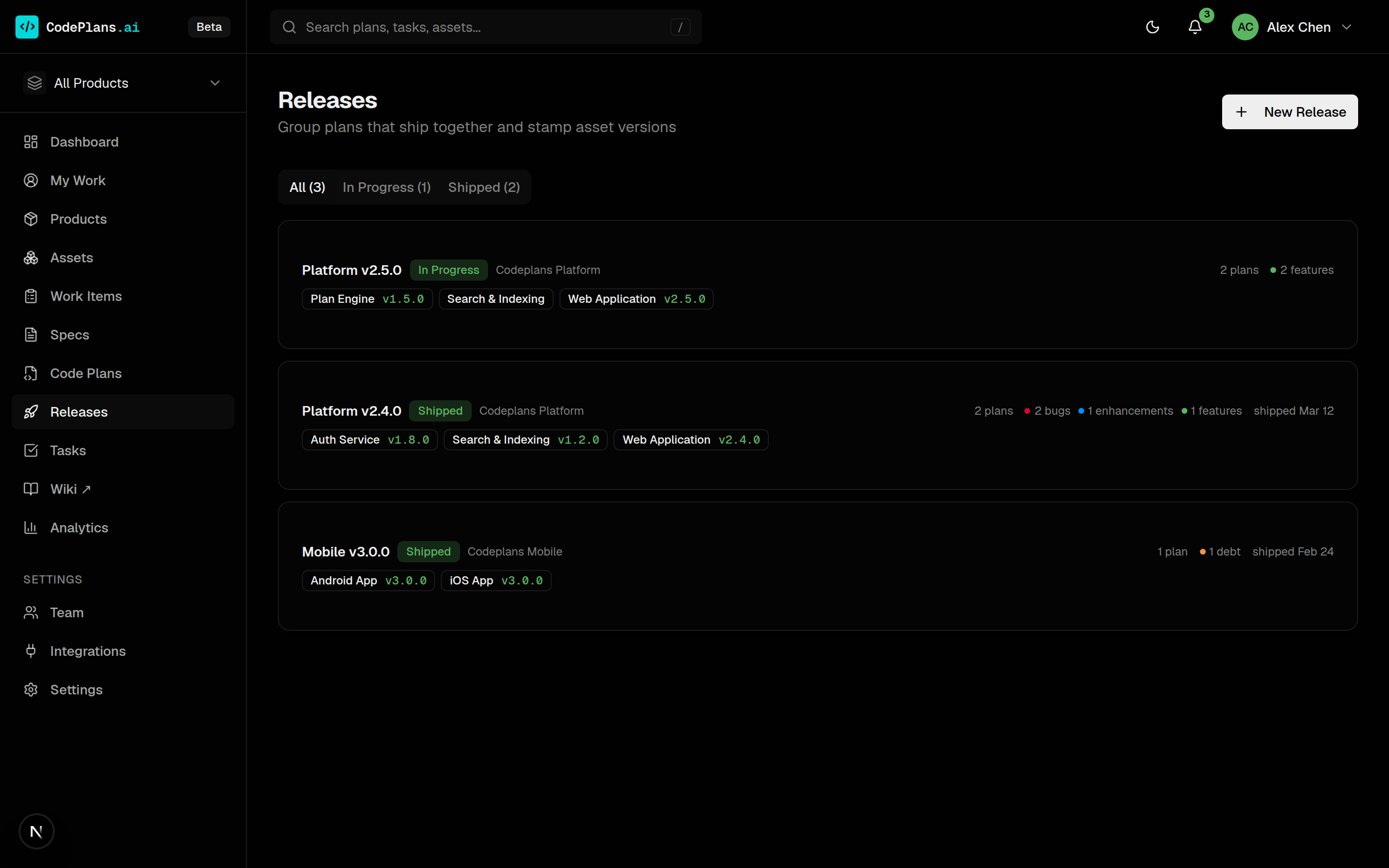
Ship plans together, with versions
A release groups the plans that ship together: one asset’s version or a coordinated multi-asset revision. Stamp per-asset versions, roll up merged PRs, and derive release notes from the delivered work.
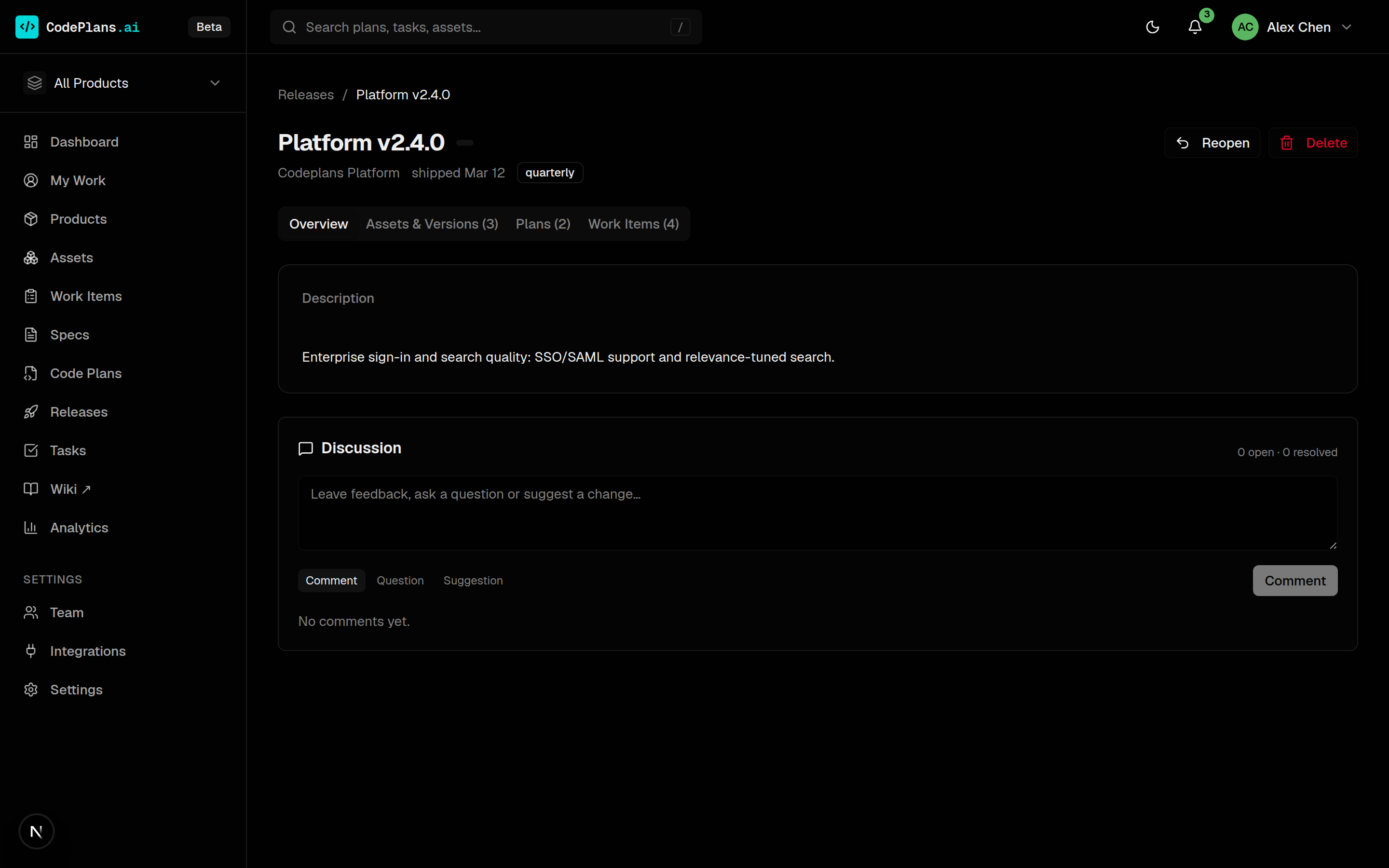
Group what ships, and when
Releases move from planned to in progress to shipped. Shipped releases are read-only, so the record stays trustworthy.