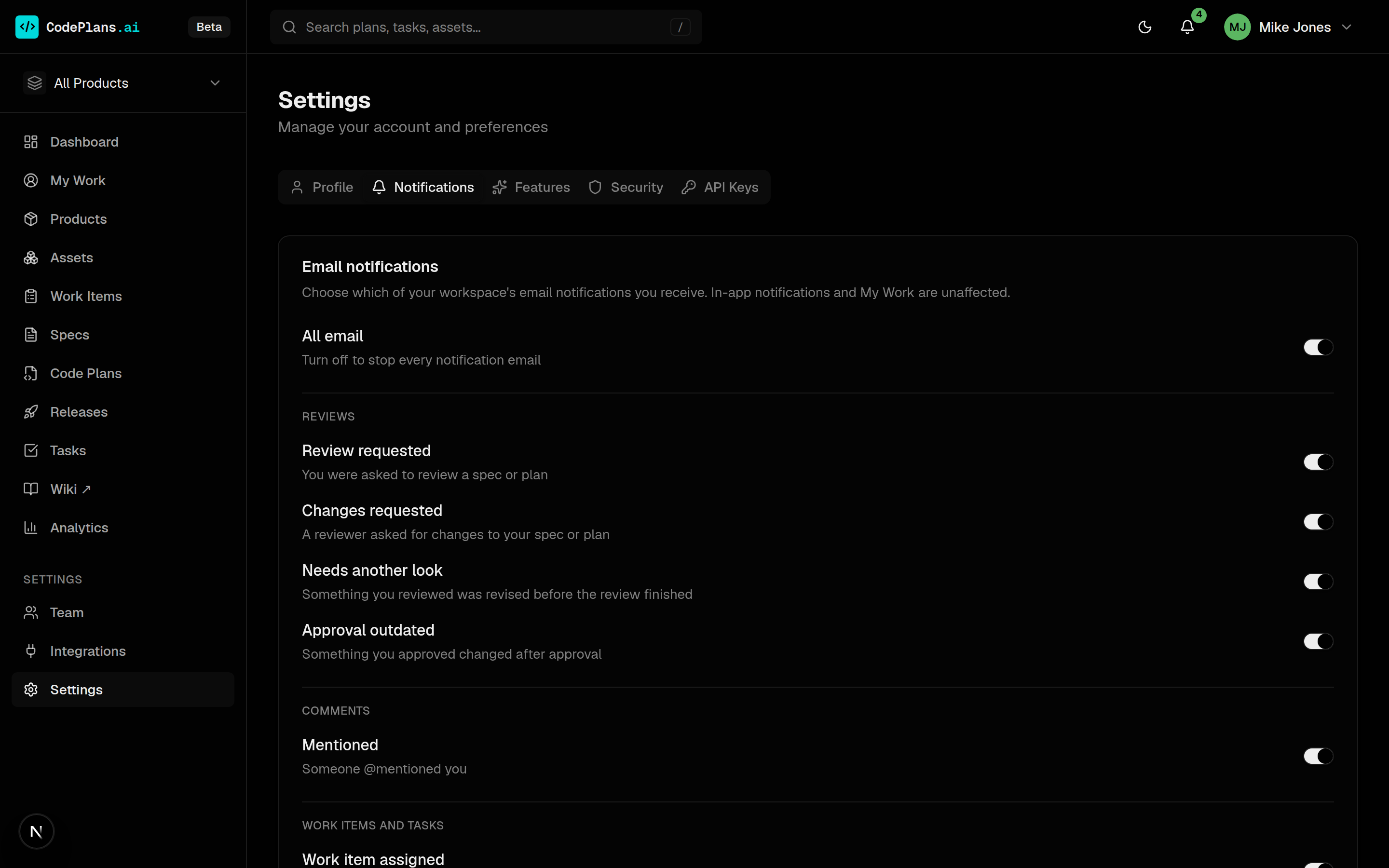
An inbox shaped by your responsibilities
Needs you lists what is blocked on you, each item starting with a verb and saying why it is yours (for example code owner · API Gateway). In flight groups your tasks by plan with their specs, and Watching shows changes to things you are responsible for.
If you hold several responsibilities, View as switches between Developer, Code owner, Architect and Eng manager lenses.
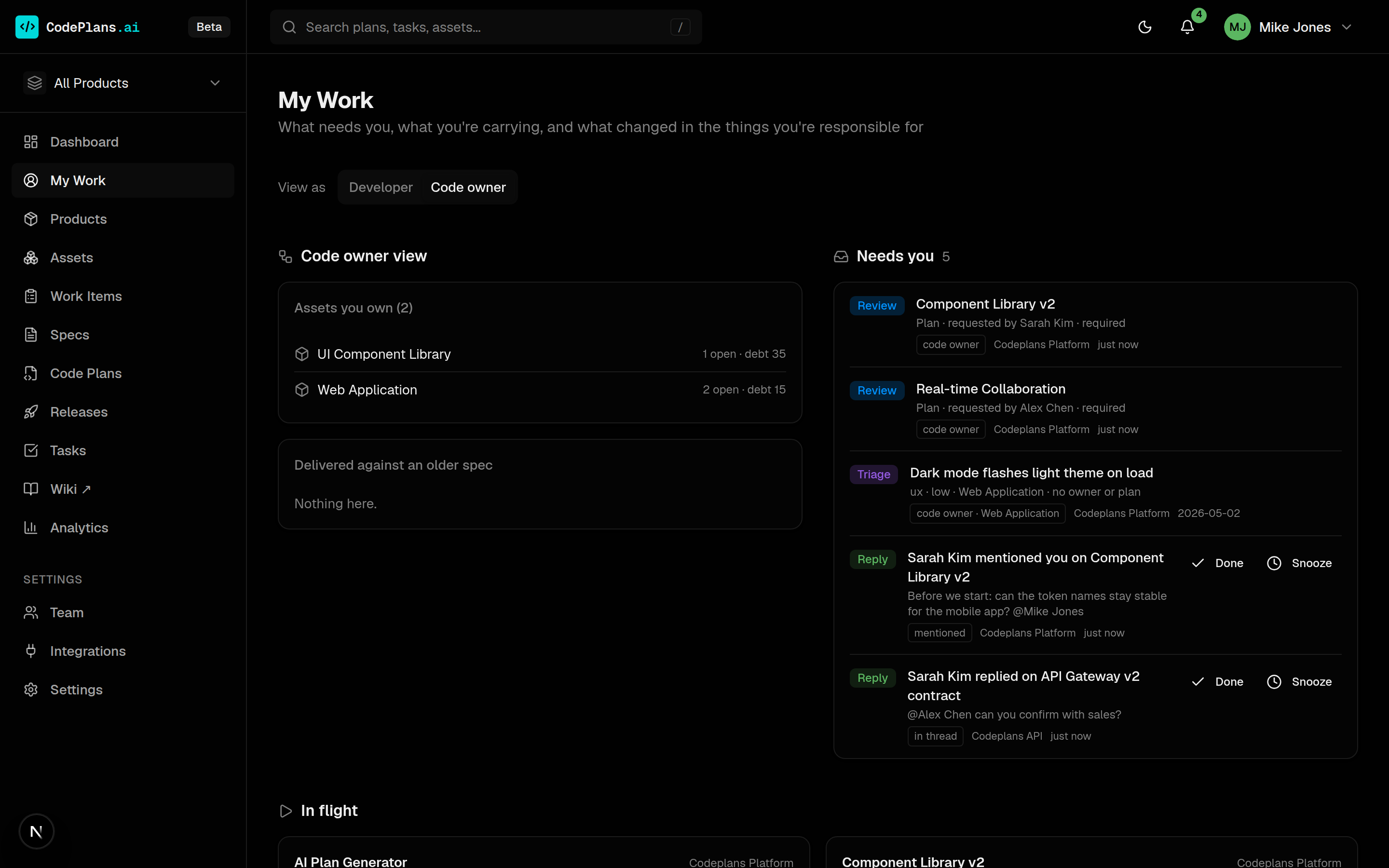
Each role gets its own panels
Engineering managers see plans at risk, release readiness and work merged but not shipped. Architects see reviews in their area. Code owners see their assets and capabilities delivered against an older spec.
Evidence gaps ask the person who can fix the record: a completed plan with no PR, a release asset with no version stamp, a feature never graduated.
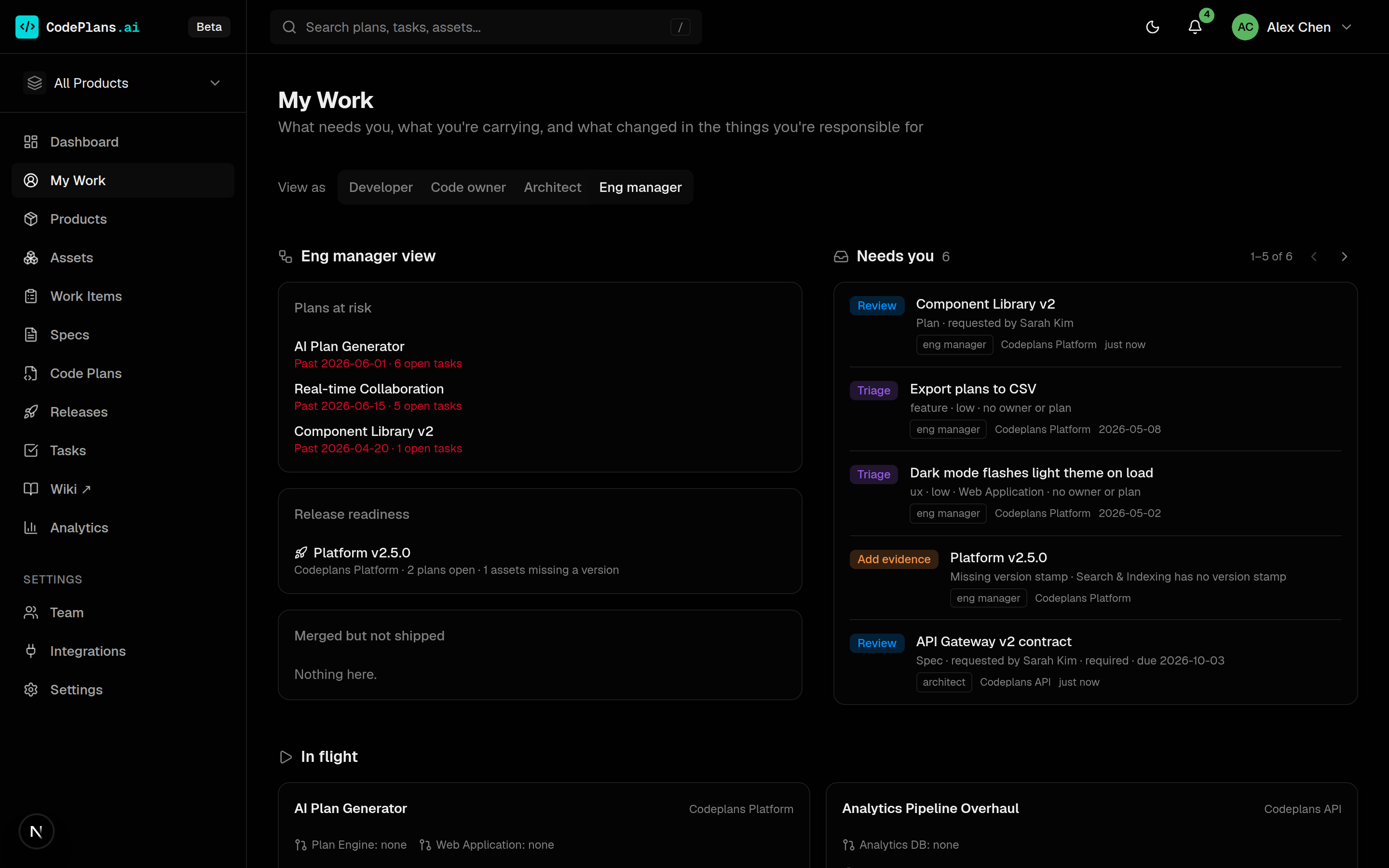
Notifications with a reason
The bell shows unread notifications. Each says why you got it, and nobody is told about their own actions. Opening one marks it read; items can be marked done or snoozed from My Work.
Delivered where your team already is
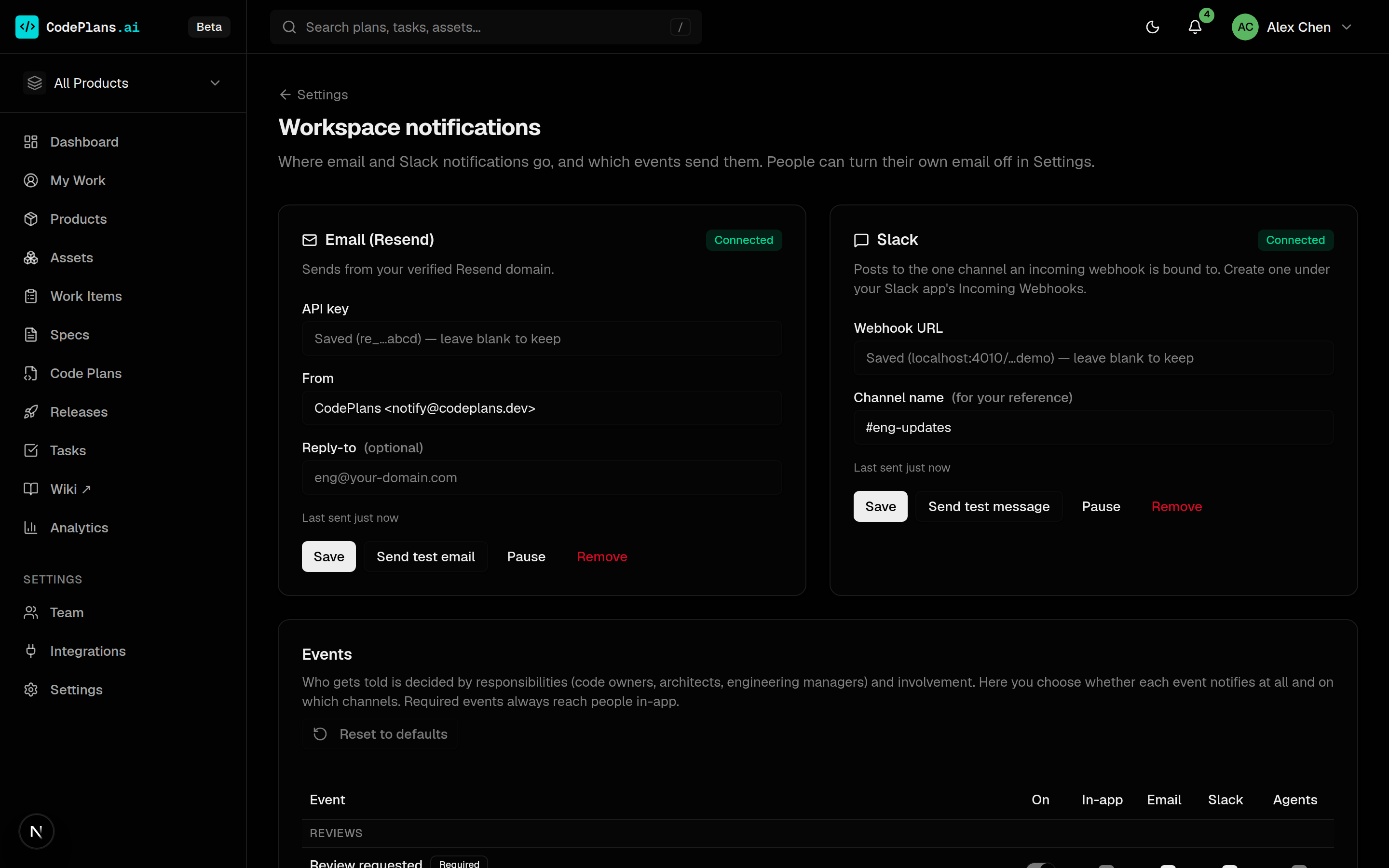
Admins connect Resend (an API key and a verified sender) and a Slack incoming webhook, then choose which events notify in-app, by email and in Slack. Test sends show the provider’s answer, and keys are encrypted at rest.
- Required events (review requests, changes requested, mentions) always reach people in-app.
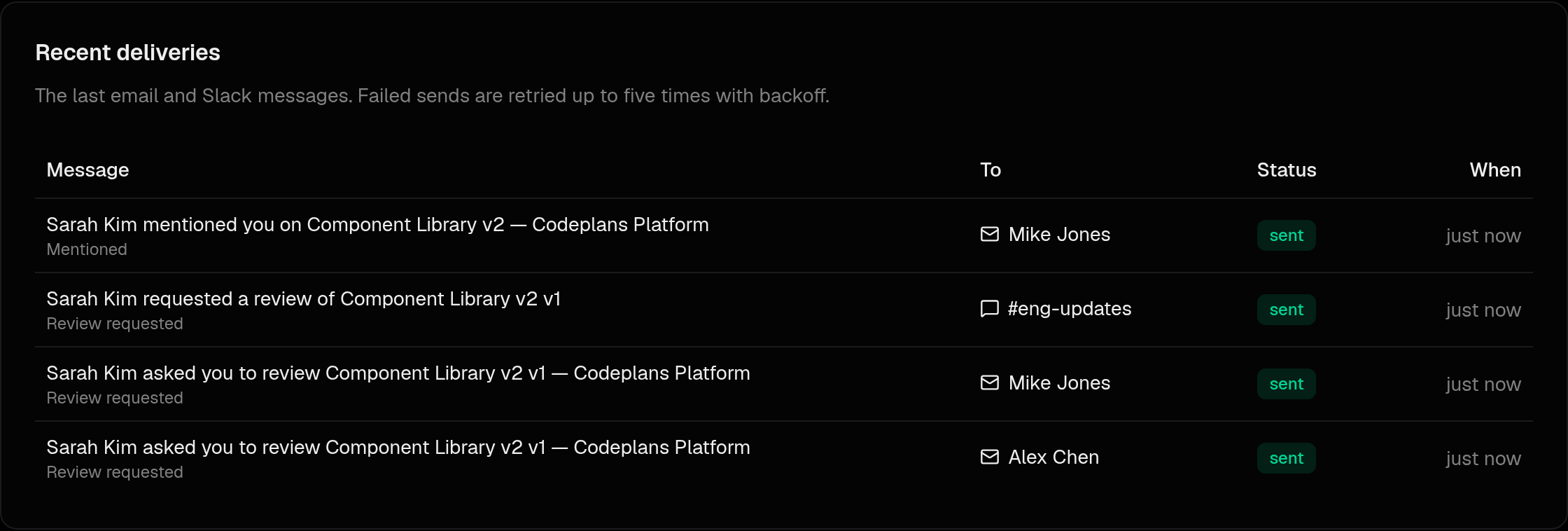
- Sends go through an outbox with retries and backoff, visible under Recent deliveries.
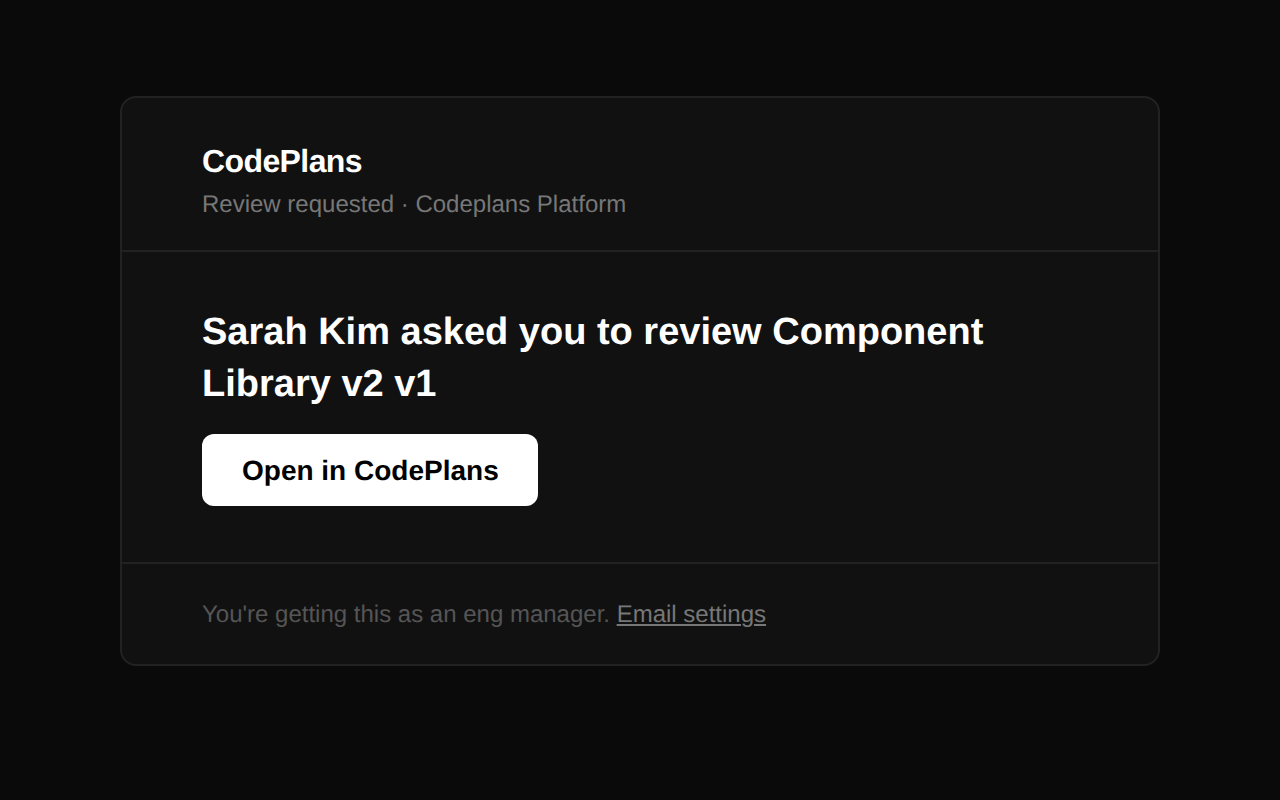
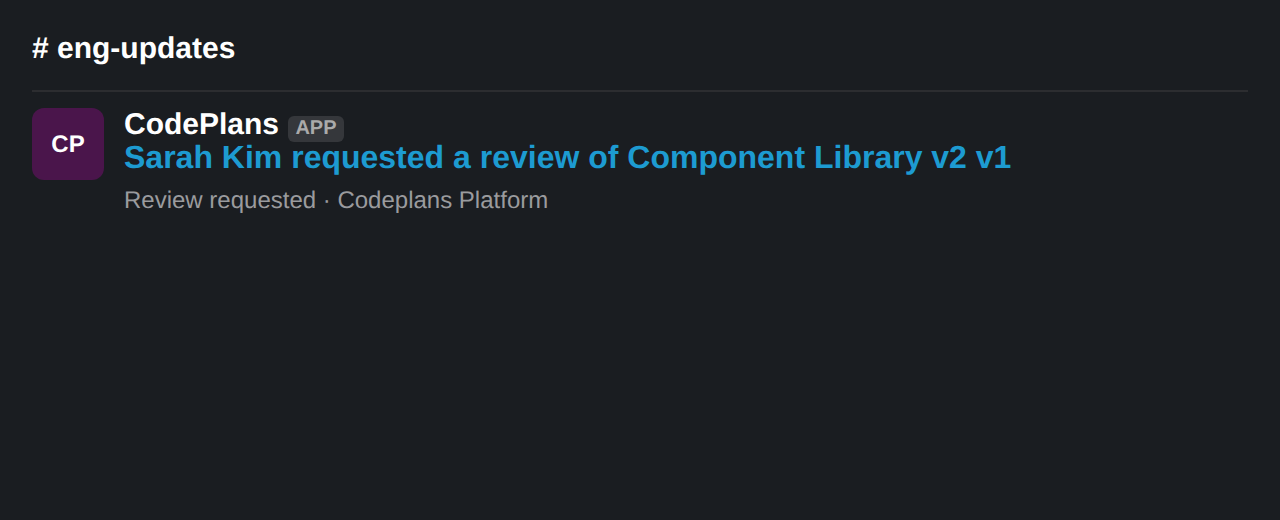
One template, two channels
Email explains why you were told and links to your settings. Slack gets one post per event, worded for the whole channel.
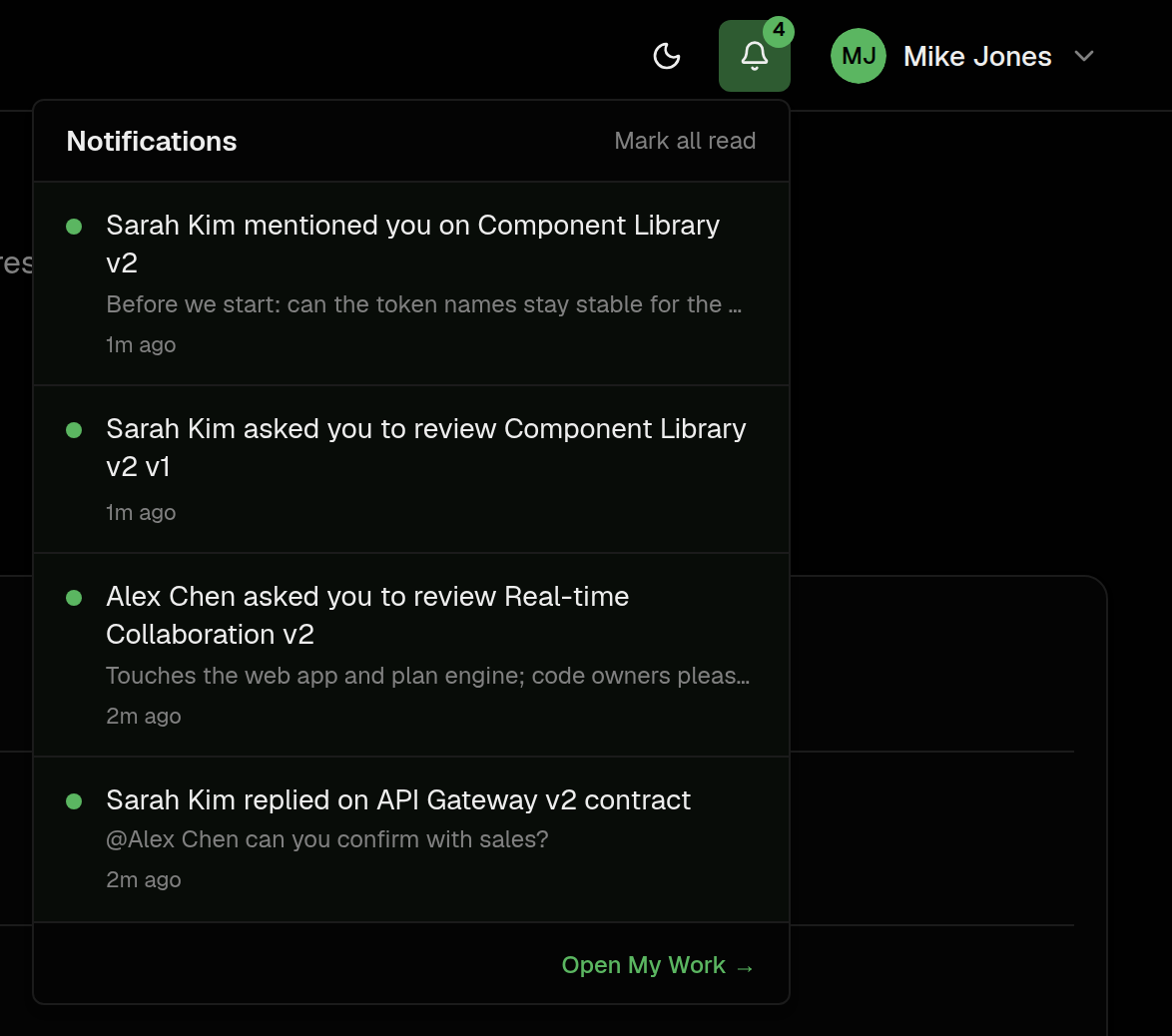
Turn email down, mute what you don’t need
Anyone can turn off all email or email for single events, which only ever narrows what admins turned on. Mute on a product or asset page stops notifications about it, except review requests and mentions.